Tasks Overview
Tasks
A task is an issue registered for a unit that requires specific actions from the user (for example, contacting the driver, checking data, leaving a comment, etc.).
The Tasks tab allows you to optimize your workflow. Here you can find all tasks and get information about them, manage them, contact drivers and perform other actions.
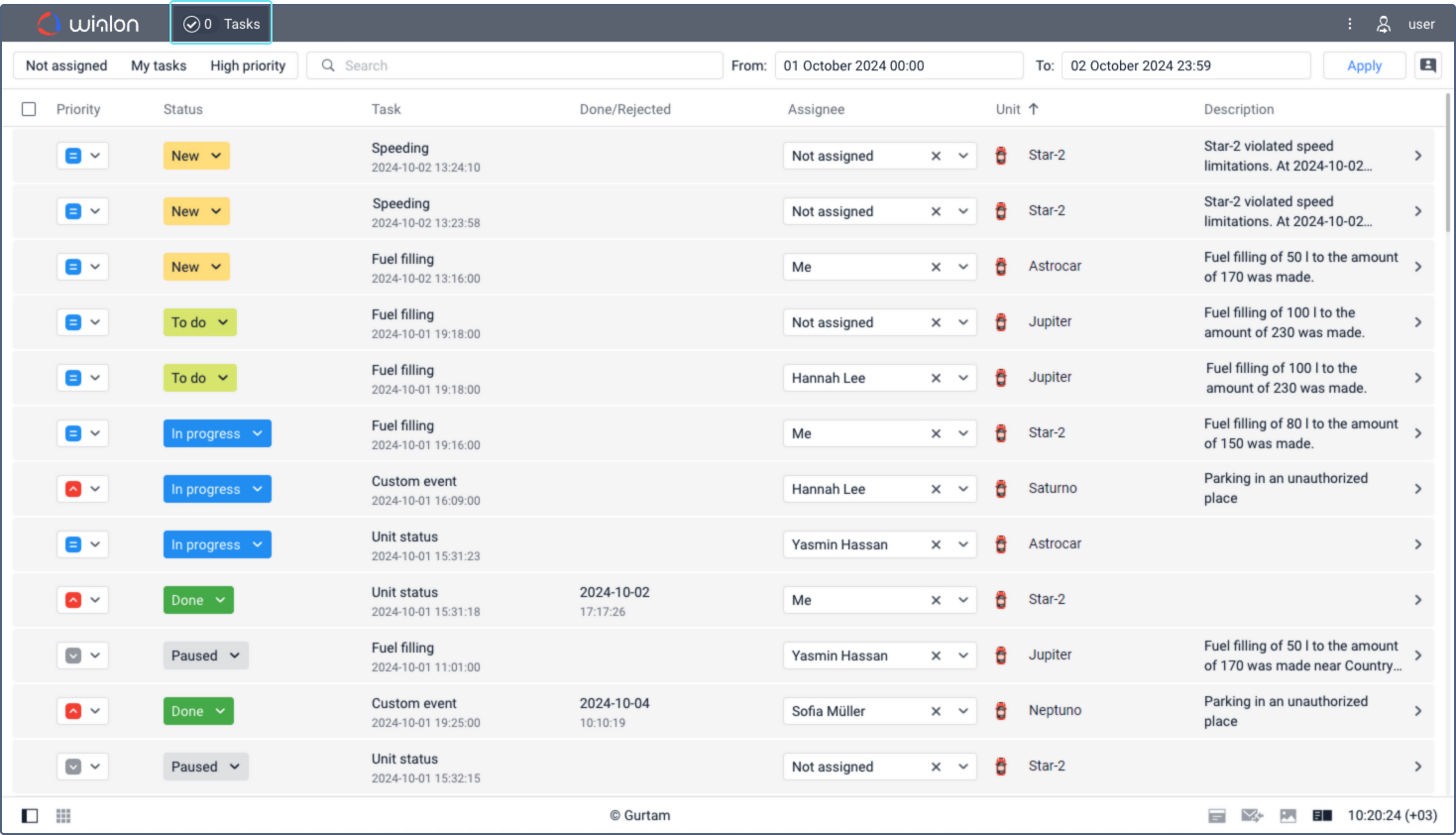
Tasks are shown on the tab after they are created manually or automatically.
Events can be registered in the system in other cases, but no task is created for them. See more details on the Events page.
If a new task is created or assigned to you while you are on another tab, an indicator with their number is displayed next to the Tasks tab name.
Related Articles
Events Registration
Events Registration The Event registration option on the Monitoring tab allows you to make records in the unit log and register events for the unit in order to see them later on the Messages tab and in reports. This option allows you to register the ...Registered Events
Registered Events When you request messages of the Registered events type, you can see a table with the events added to the unit history manually or automatically. The table can contain the following columns: Column Description Time The time the ...User Settings Overview
User Settings Overview Users can configure some system operation parameters according to their needs and tasks. To view user settings click on the username in the top panel and then choose User Settings in the menu. The User settings window can ...Overview
FT Vision is a cloud-based, remote video monitoring application, which provides access to a live video feed from camera hardware as well as event-based video evidence triggered by harsh driving and other possible impacts. FT Vision also has a ...Fleetrun Overview
Fleetrun The Fleetrun application is designed to manage the process of vehicle maintenance and control the validity period of drivers' documents and permits. The application can be used by managers and administrators of fleets, drivers and vehicle ...