How to Analyze Fleet Driving Performance on the Dashboard
How to Analyze Fleet Driving Performance on the Dashboard
The Dashboard provides a powerful, at-a-glance summary of your entire fleet's driving performance. This guide shows you how to use the Driving Score widget to quickly assess overall safety trends, identify top and bottom performers, and understand how your drivers are distributed across different safety ratings.
- In the main navigation menu, click Dashboard.
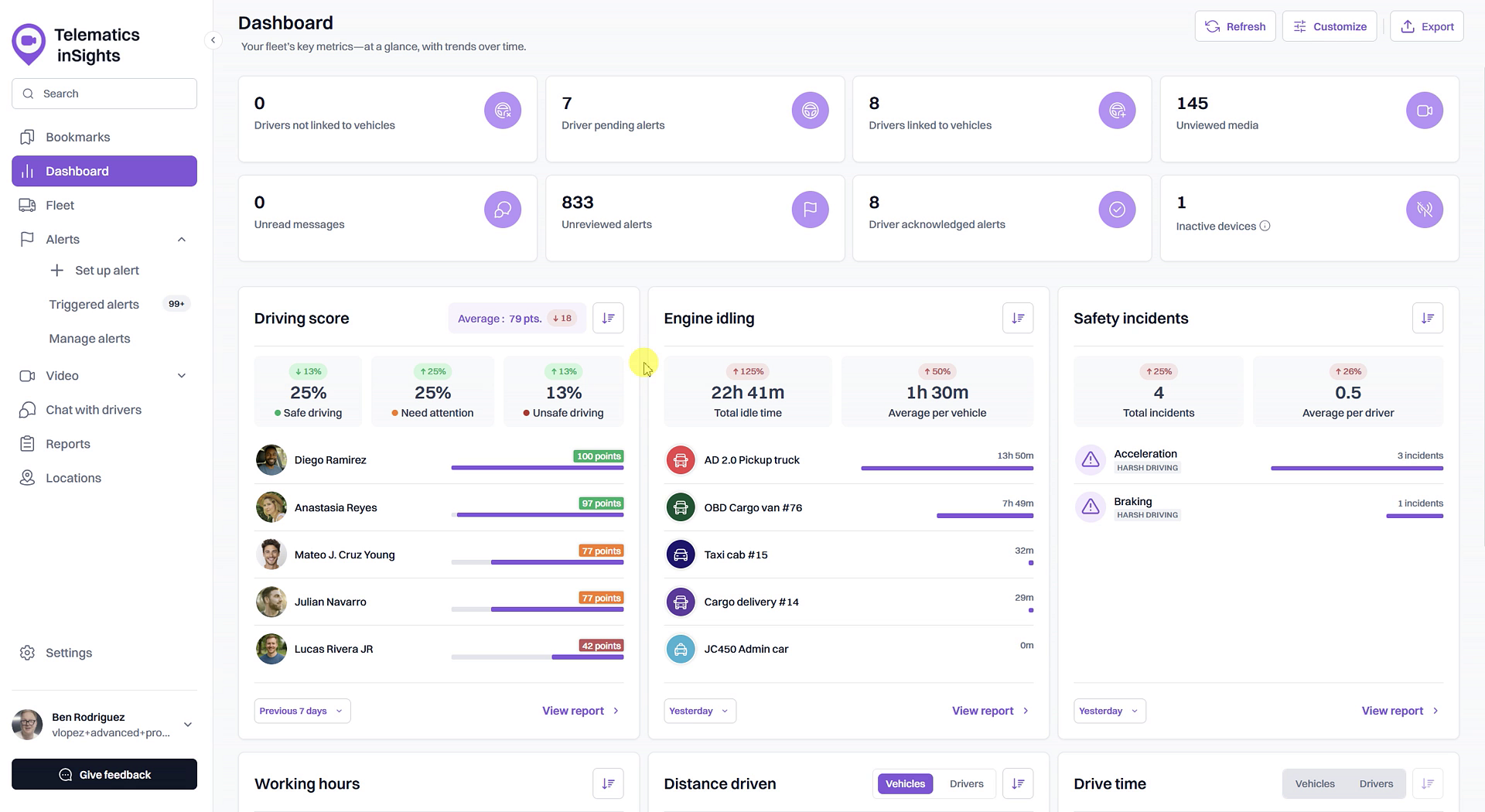
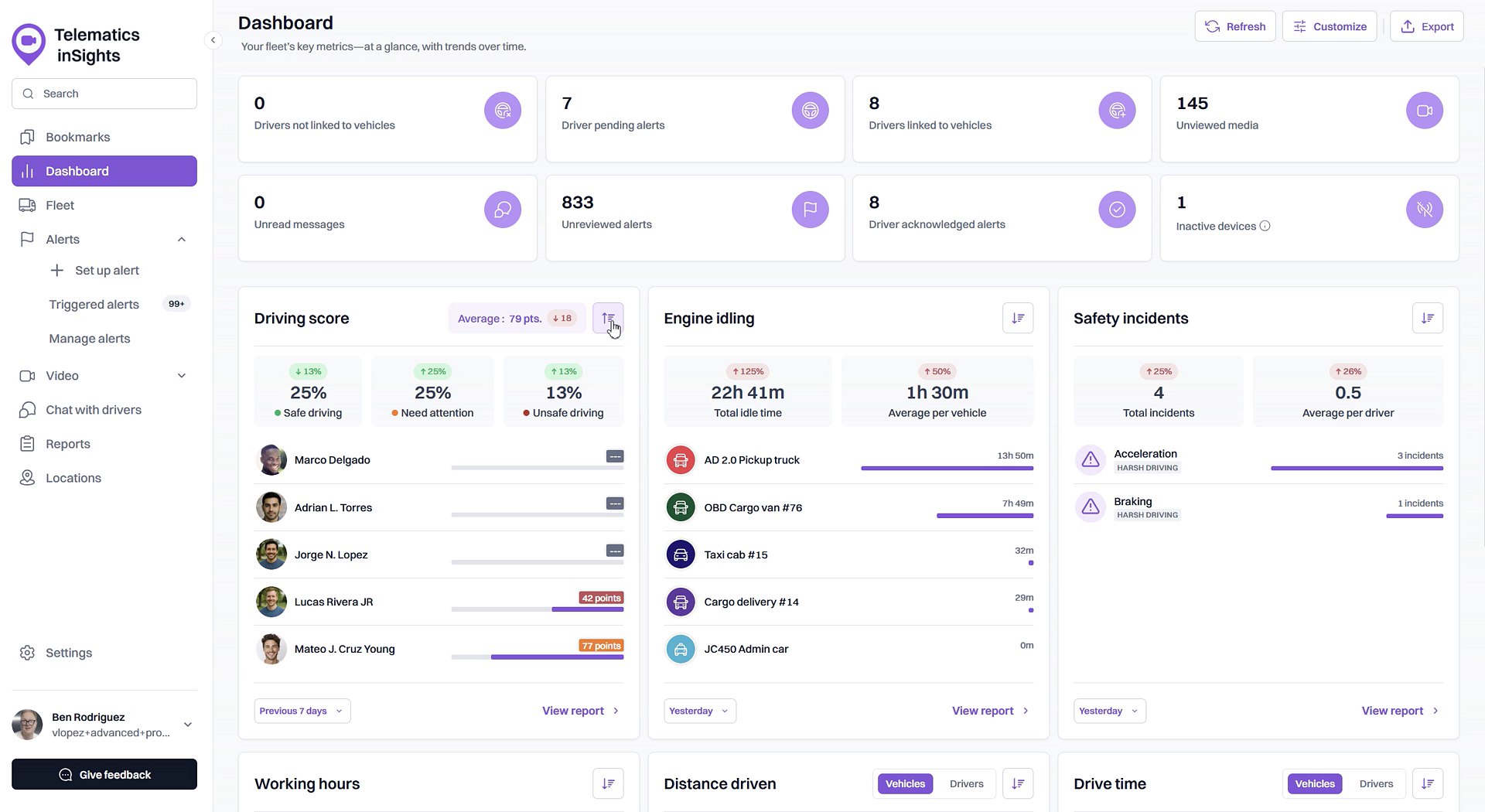
- On the Dashboard page, locate the Driving score widget.
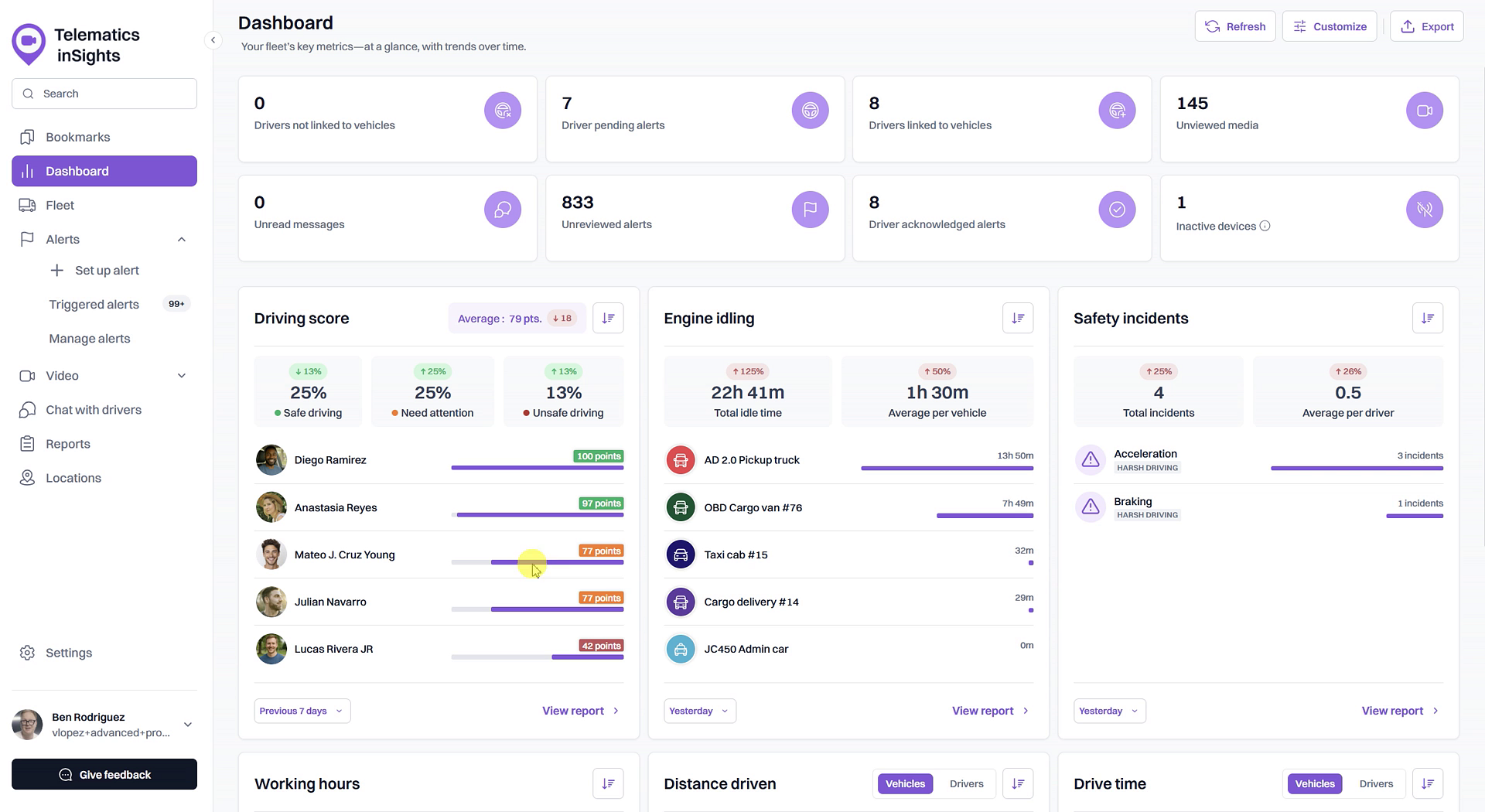
- Review the summary statistics at the top of the widget. This includes the fleet's Average score, the percentage of drivers in each safety category (Safe driving, Need attention, Unsafe driving), and the score trend compared to the previous period.
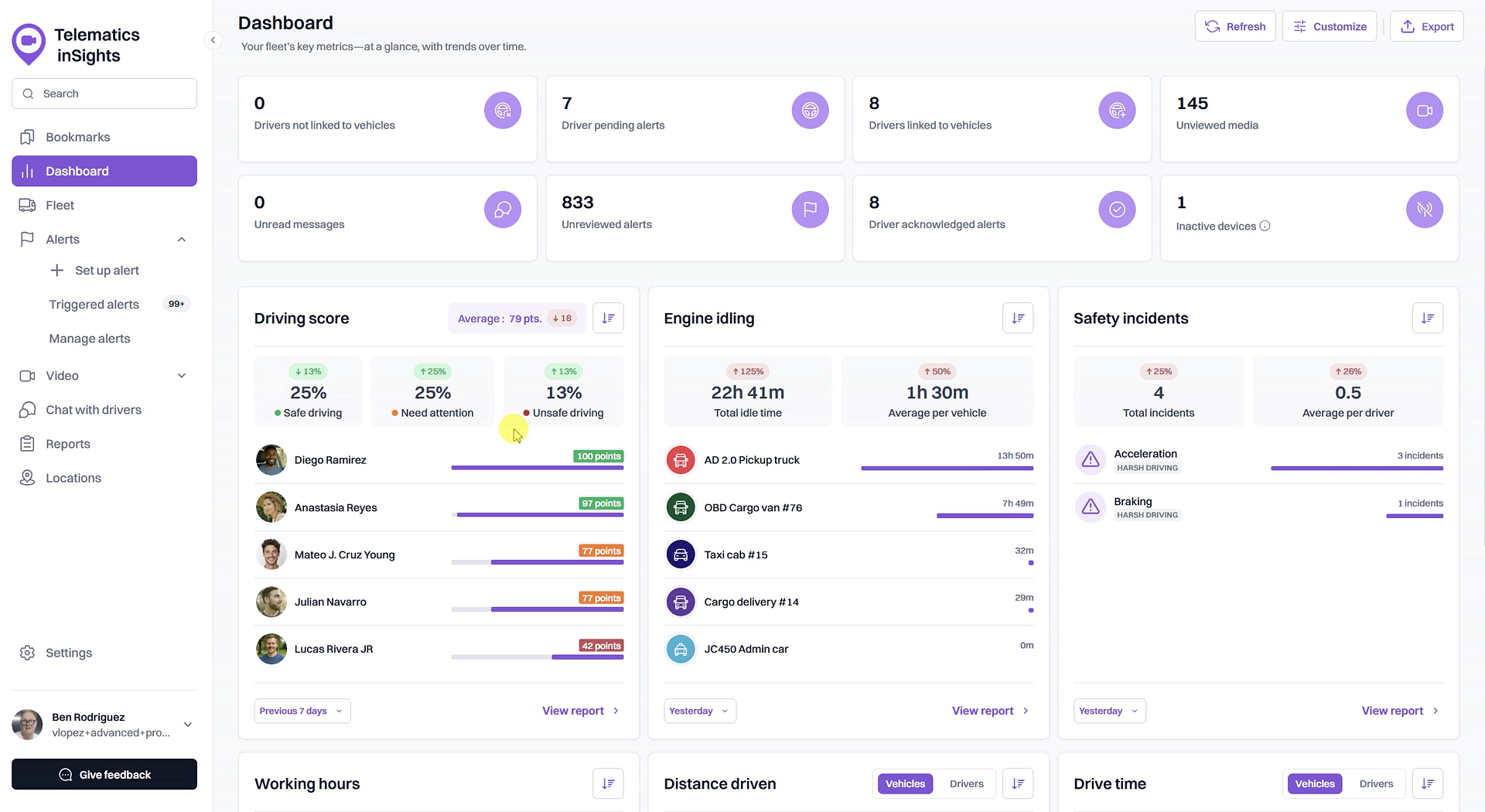
- View the list of drivers, which shows the top 5 performers by default. Each driver's score is displayed next to their name.
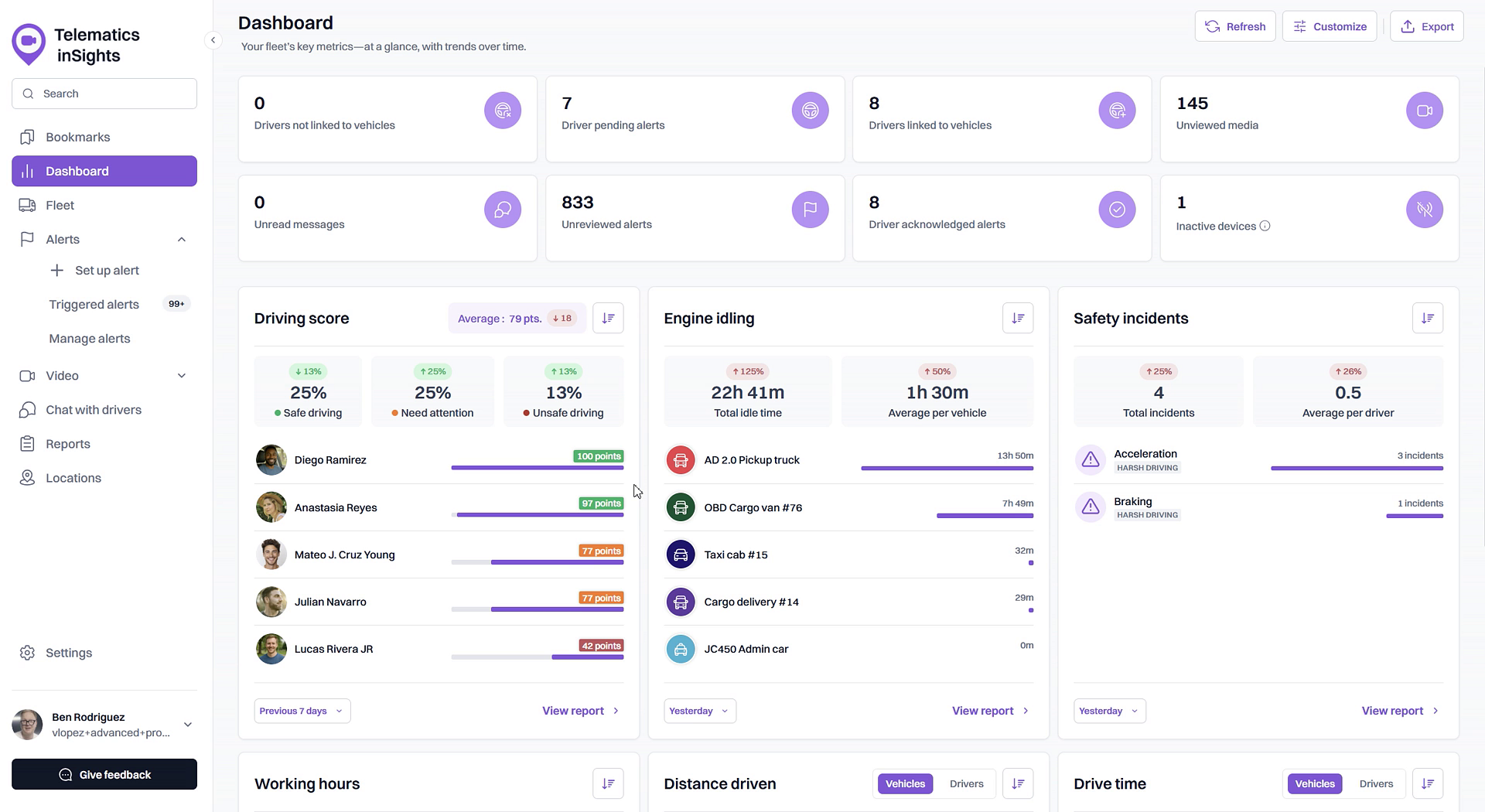
- To see the lowest-scoring drivers, click the T/B toggle button at the top right of the widget. This will switch the view from top performers to bottom performers.
Summary
The Dashboard offers a centralized view for analyzing your fleet's overall driving behavior. By using the Driving Score widget, you can quickly monitor average scores, track performance trends over time, and identify which drivers are excelling and which may require additional coaching, all from a single screen.
Related
- What is a Driving Score?
- View the detailed Driving Score report
- Customize Driving Score incident weights and safety ranges
Related Articles
What is a Driving Score?
What is a Driving Score? The Driving Score is a metric that evaluates driver behavior by assigning a score from 0 to 100. Understanding this score helps you quickly identify safe driving habits and areas for improvement, enabling you to proactively ...How to Check a Driver's Driving Score
How to Check a Driver's Driving Score This guide explains how to check a driver's Driving Score, a key metric for monitoring on-road safety and performance. Following these steps allows you to quickly assess individual driver behavior directly from ...View the detailed Driving Score report
View the detailed Driving Score report The Driving Score report provides a comprehensive breakdown of your fleet's driving performance. Accessible from the Dashboard, this report allows you to evaluate driver behavior using weighted incident scores, ...Dashboard
Dashboard The Dashboard page is available only to users for whom a fleet is activated, and contains the summary of its contents. The information presented on this page allows to assess the overall situation in the fleet, draw attention to an overdue ...Customize Driving Score Incident Weights and Safety Ranges
Customize Driving Score Incident Weights and Safety Ranges This article shows you how to customize the Driving Score calculation to match your company's safety priorities. You can adjust the weight of different safety incidents and define the score ...