How to Investigate Incidents Affecting a Driver's Score
How to Investigate Incidents Affecting a Driver's Score
Understanding why a driver has a low score is the first step toward coaching and improving safety. This guide shows you how to investigate the specific safety incidents that contribute to an individual driver's Driving Score. This allows you to see the root causes of a score and provides clear evidence for driver coaching.
- From the main navigation menu, go to Reports.
- In the list of reports, click Driving score.
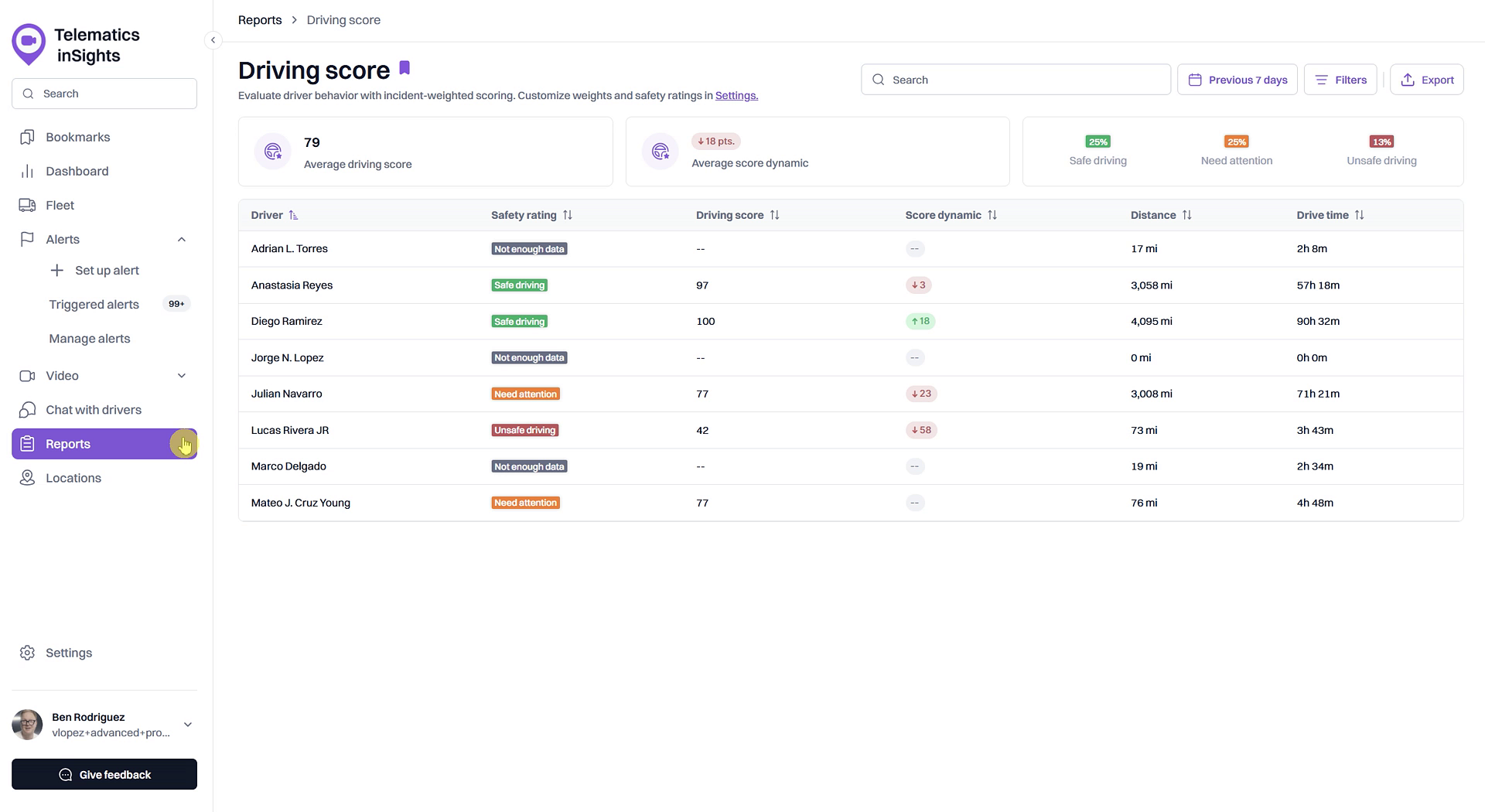
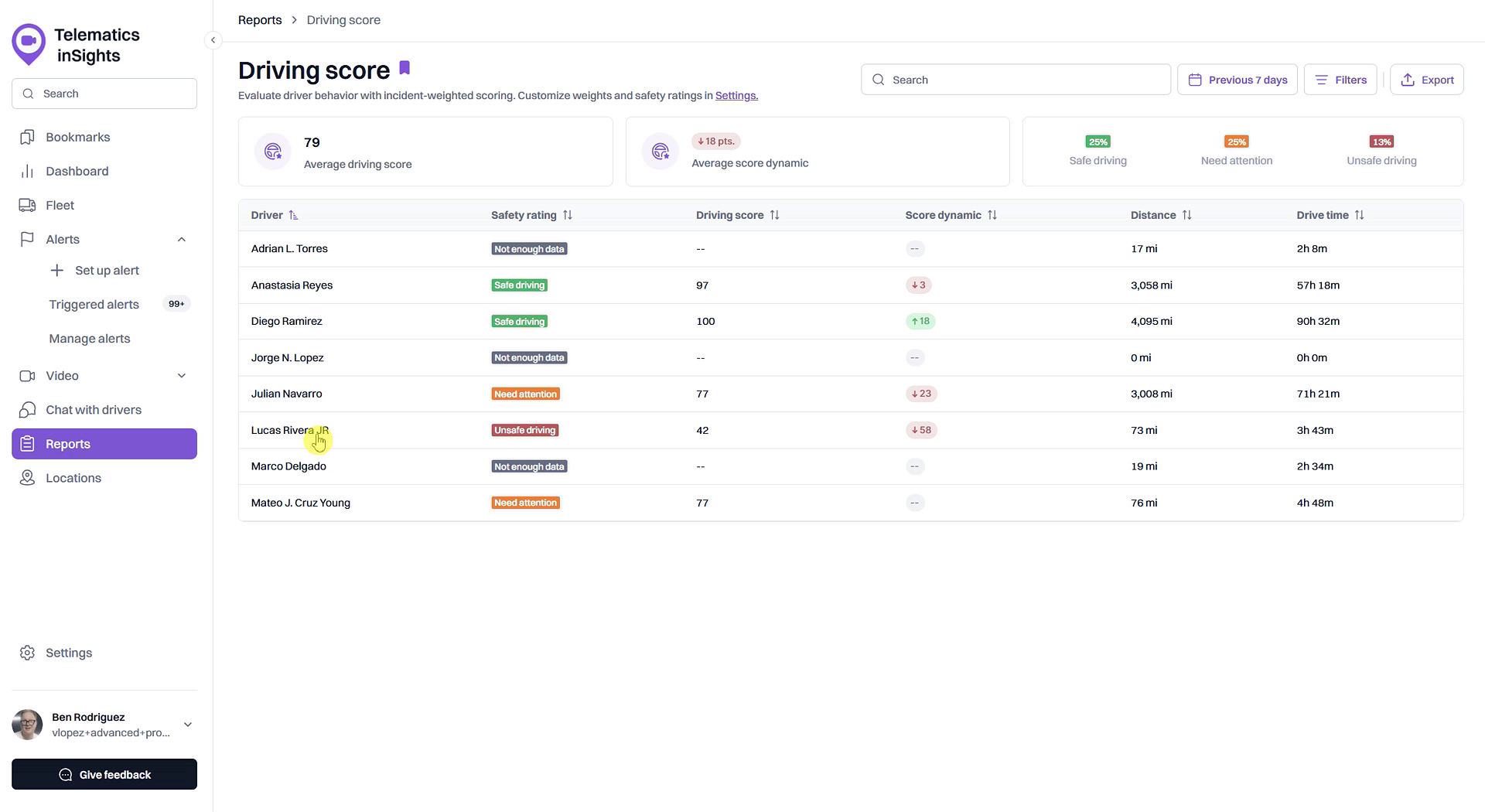
- On the Driving score report page, find the driver you wish to investigate and click on their name in the list.
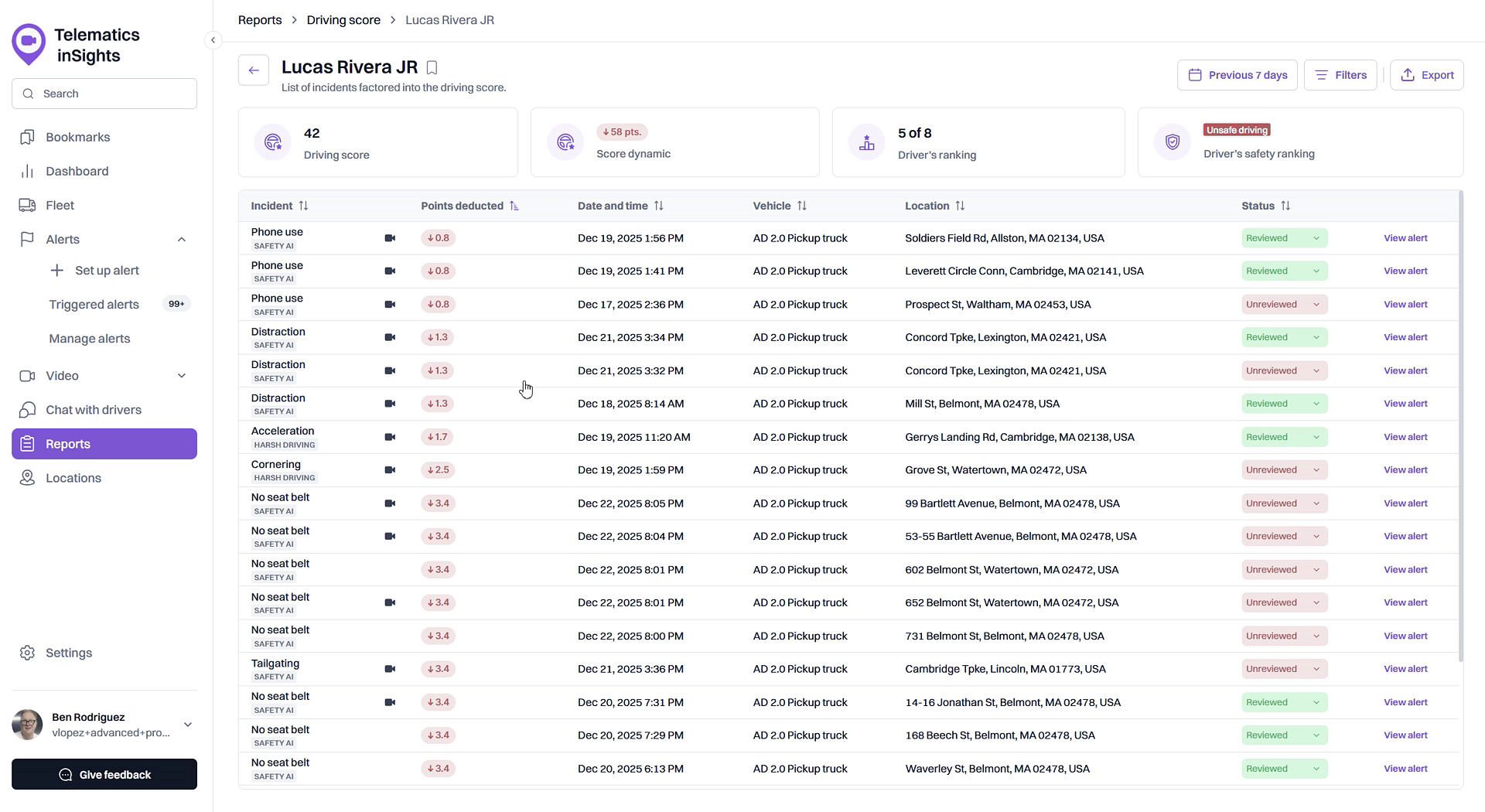
- You will be directed to a detailed page listing all the safety events that have been factored into that driver's score.
- Review the list of events. The table shows the Incident type, Points deducted, Date and time, Vehicle, and Location for each event.
Summary
Drilling down into a driver's specific safety incidents provides the context needed to understand their Driving Score. This detailed report lists every event, such as phone use or harsh braking, that has impacted their score, allowing you to identify patterns and facilitate effective driver coaching.
Related
- View the detailed Driving Score report
- Review video footage of a safety incident
- Mark a safety incident as 'Reviewed' or 'False Positive'
Related Articles
How to Check a Driver's Driving Score
How to Check a Driver's Driving Score This guide explains how to check a driver's Driving Score, a key metric for monitoring on-road safety and performance. Following these steps allows you to quickly assess individual driver behavior directly from ...View the detailed Driving Score report
View the detailed Driving Score report The Driving Score report provides a comprehensive breakdown of your fleet's driving performance. Accessible from the Dashboard, this report allows you to evaluate driver behavior using weighted incident scores, ...Creating a Driver
Creating a Driver In order for the user to be able to create drivers: the Drivers service should be enabled in the properties of the account in the resource of which a driver should be created; the user should have the Create, edit, and delete ...What is a Driving Score?
What is a Driving Score? The Driving Score is a metric that evaluates driver behavior by assigning a score from 0 to 100. Understanding this score helps you quickly identify safe driving habits and areas for improvement, enabling you to proactively ...Customize Driving Score Incident Weights and Safety Ranges
Customize Driving Score Incident Weights and Safety Ranges This article shows you how to customize the Driving Score calculation to match your company's safety priorities. You can adjust the weight of different safety incidents and define the score ...